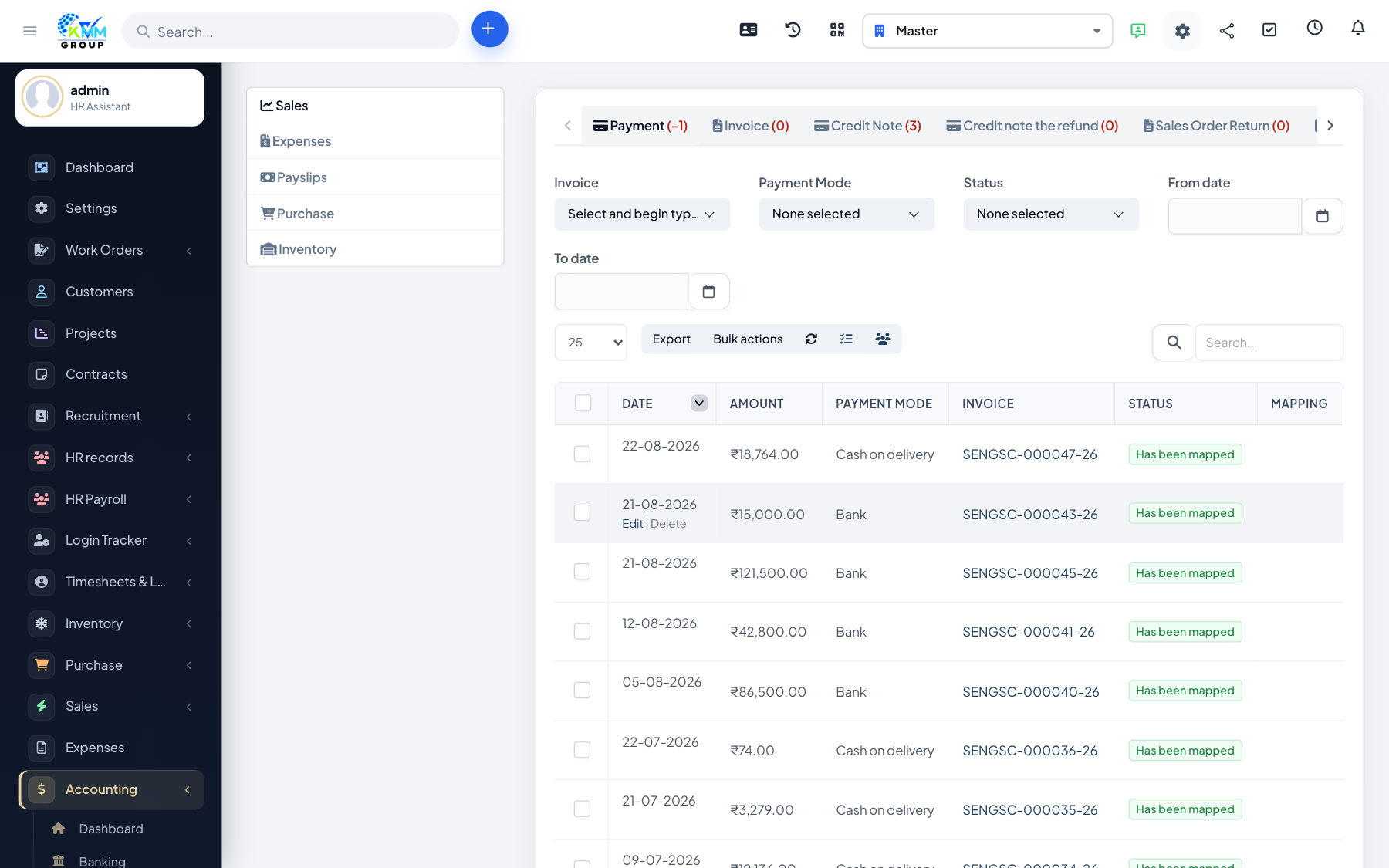
Automatic conversion
Mapping tells the module which ledger accounts to use when it turns CRM activity (invoices, payments, expenses, payslips, purchases, stock) into accounting entries.
Step-by-step
- Go to Accounting > Settings > Mapping Setup (
https://dashboard.kmmvgroup.org/admin/accounting/setting?group=mapping_setup). - Turn on automatic conversion for each area you use (Sales, Expenses, Payslips, Purchase, Warehouse, etc.).
- Map each source (for example a payment mode or expense category) to the correct ledger account.
- Save. From now on, new transactions convert automatically.
Converting older transactions
Existing records show a status of Has not been converted under Accounting > Transactions. Click Convert on each, or use bulk actions.