Overview
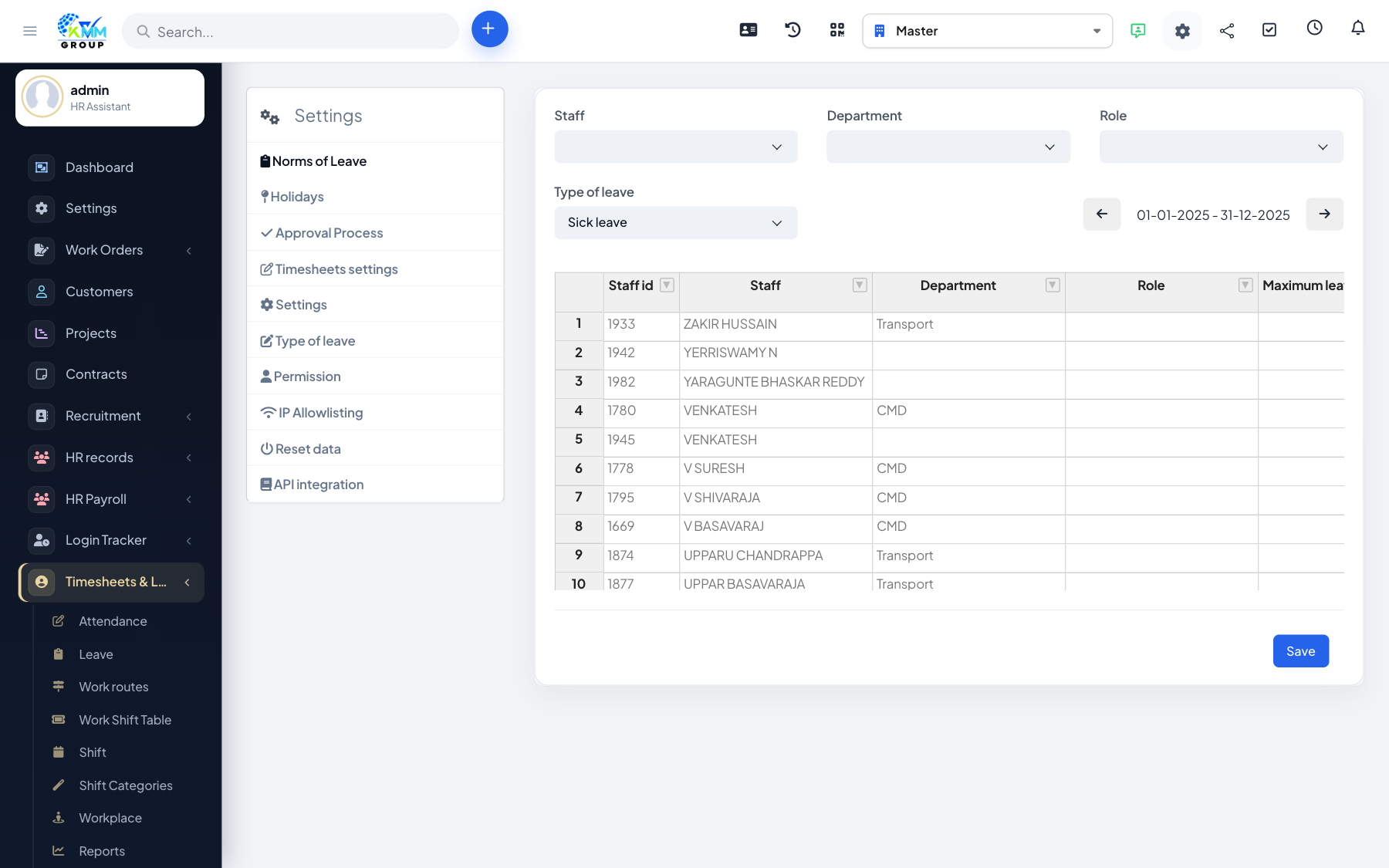
Holidays and days off are non-working days that should not count against attendance. Defining them keeps attendance and leave calculations fair and accurate.
Steps
- In Settings, open the Holiday list and add your public holidays.
- Define recurring days off such as weekends.
- These days are then treated as non-working in attendance and reports.
Tips
- Add the year's holidays in advance so no one is wrongly marked absent on a public holiday.