Overview
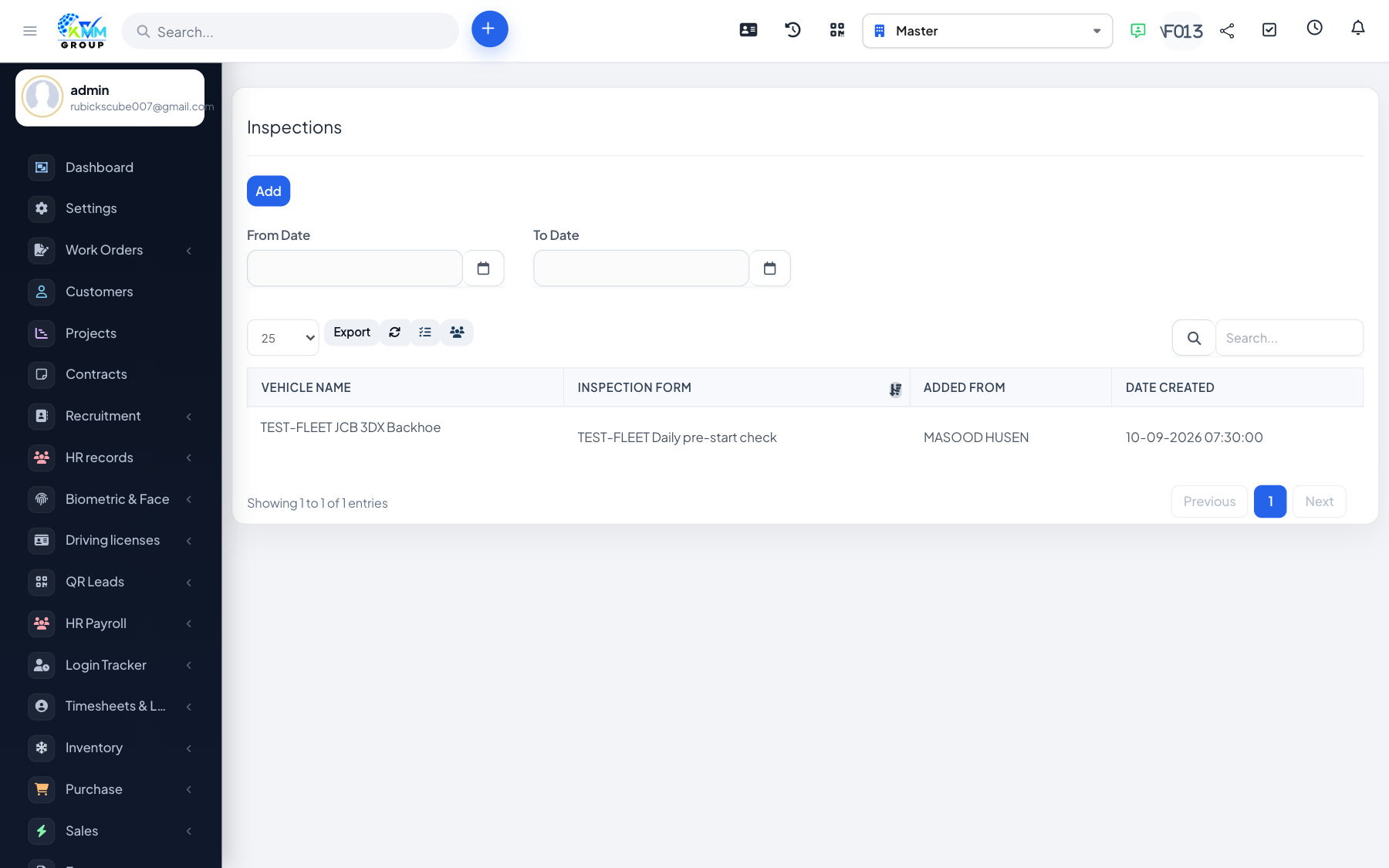
Inspections use reusable checklist forms so drivers or technicians can assess a vehicle consistently, with pass/fail tracking.
Steps
- Build an inspection form in Settings by adding questions (and grouped question boxes).
- Go to Fleet > Inspection (
/admin/fleet/inspections) and start an inspection for a vehicle using a form. - Complete each checklist item and submit the inspection.
- Review submissions, failures and schedules from the inspection reports.
Tips
- Failed inspections are listed separately so issues can be actioned quickly.
- Schedule recurring inspections to stay compliant.