Overview
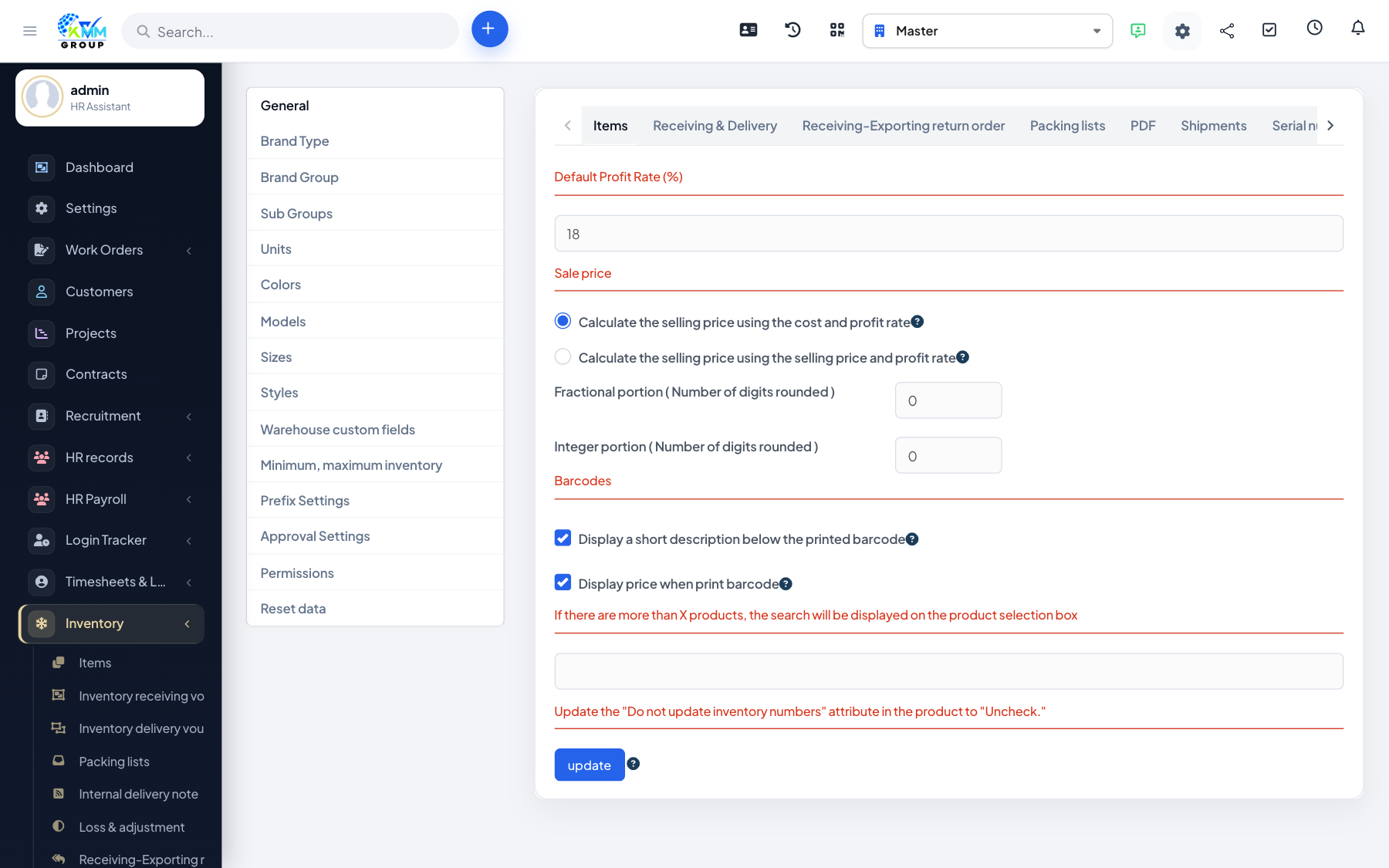
Approval settings add a control step so stock documents must be signed off before they take effect — useful for higher-value movements or tighter governance.
Steps
- Go to Inventory > Settings > Approval Settings.
- Enable approval for the document types that need it.
- Set the approvers who can sign off.
- Those documents then require approval before stock is committed.
Tips
- Only enable approvals where they add value — too many steps slow down day-to-day movements.