Overview
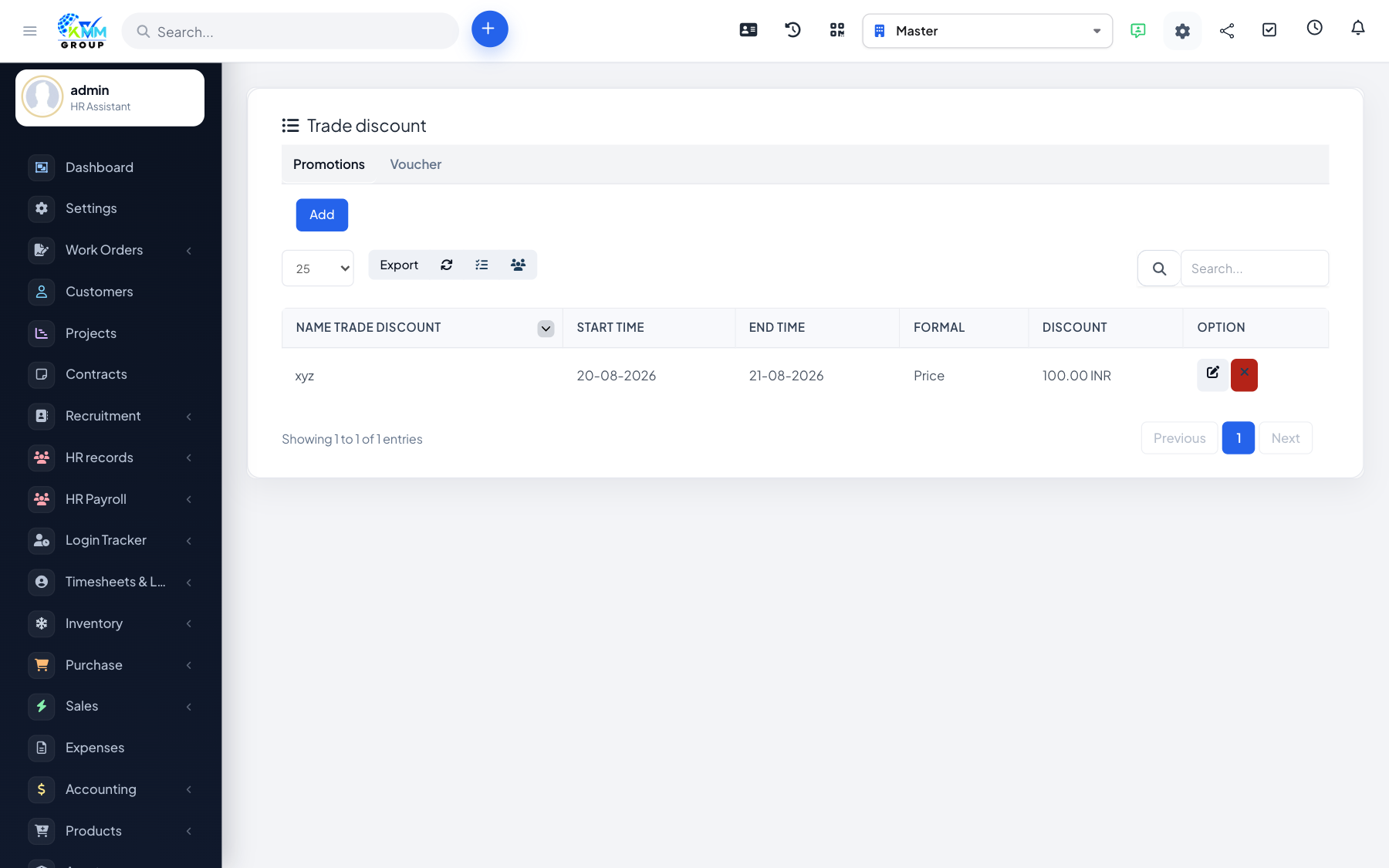
Trade discounts apply a percentage or fixed reduction to products or customers, so preferred buyers or promotions are handled automatically at the point of sale.
Steps
- Go to Omni Sales > Trade Discount (
/admin/omni_sales/trade_discount). - Create a discount rule and set its percentage or value.
- Define the scope (which products or customers it applies to).
- The discount then applies automatically in POS and orders; every change is logged.
Tips
- Use the discount log to audit who received which discount and when.