Overview
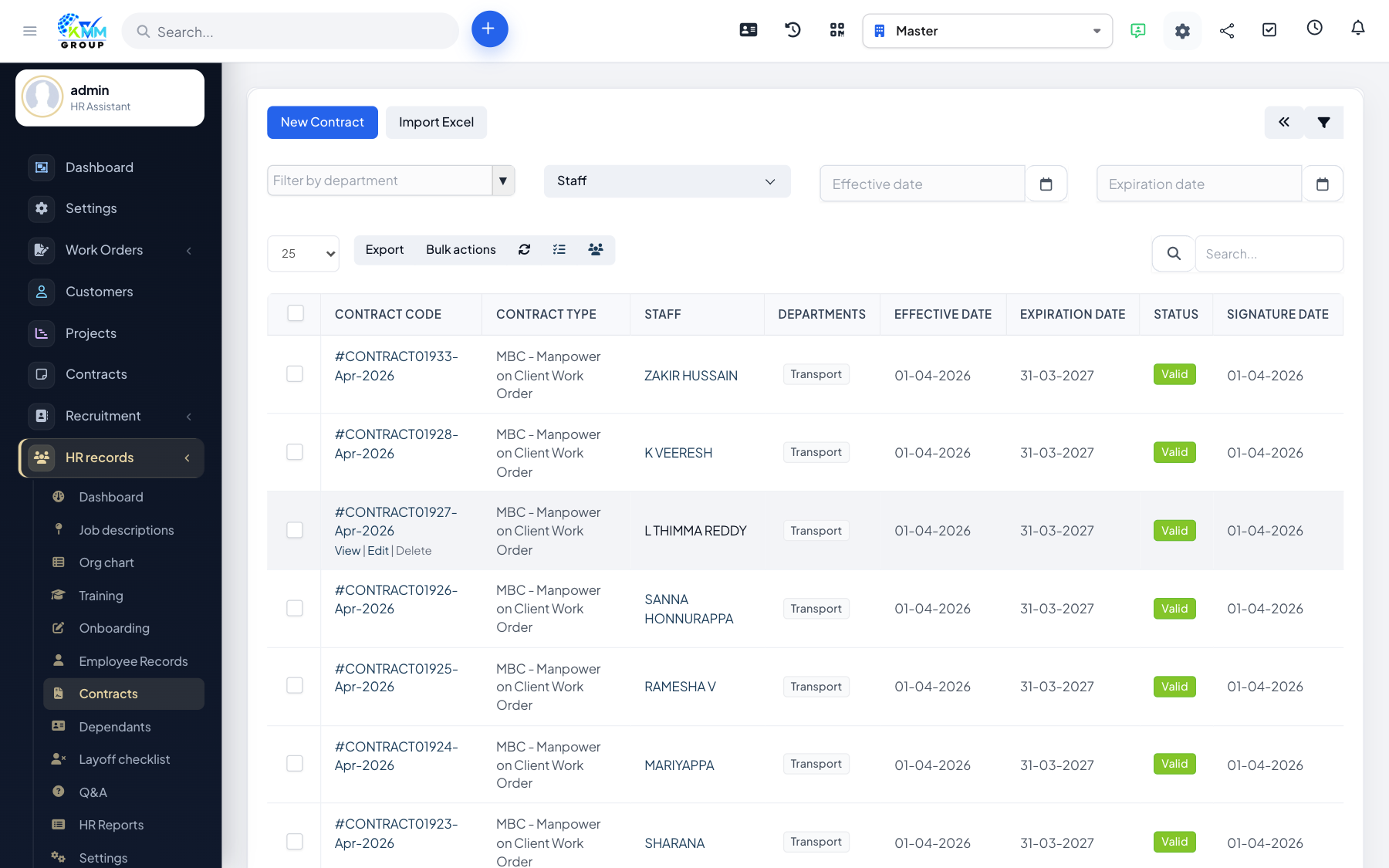
Contracts can be built from a reusable template, signed electronically, and exported to a professional PDF — so the whole agreement stays digital.
Steps
- Create a contract template under HR contracts/settings with your standard wording and merge fields.
- Open a contract and review the merged content for that employee.
- Capture the signature on the contract.
- Use Contract PDF to download or print the signed document; clear the signature if it needs to be re-signed.
Tips
- Get the template right once and every future contract is consistent and fast to produce.