Overview
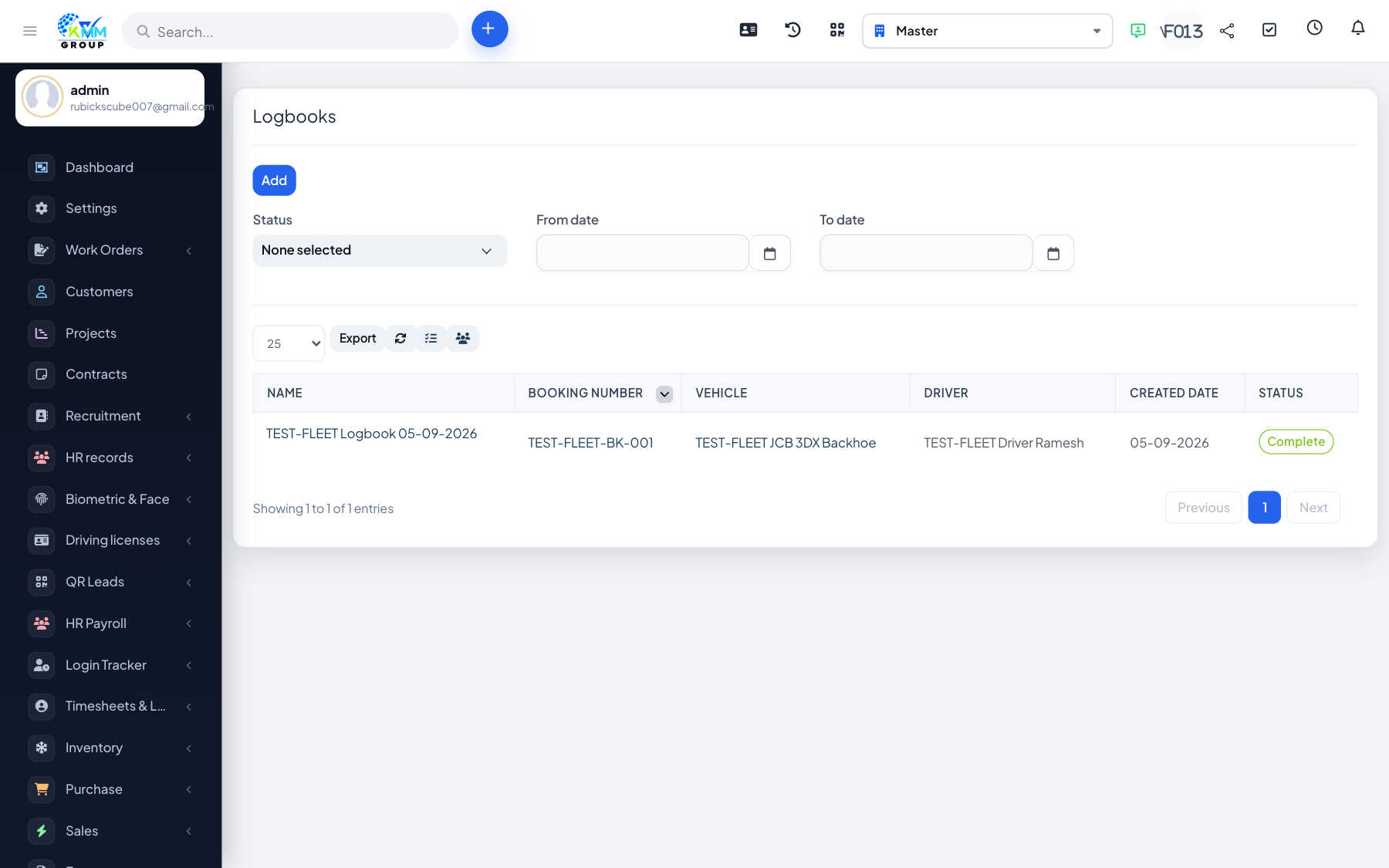
Work performance captures driver trips (logbook) and working time (time cards) to measure productivity.
Steps
- Go to Fleet > Work Performance (
/admin/fleet/work_performances). - Add logbook entries for trips (route, distance, dates) and set their status.
- Record time cards for driver working hours.
- Review the work-performance report to compare drivers.