Overview
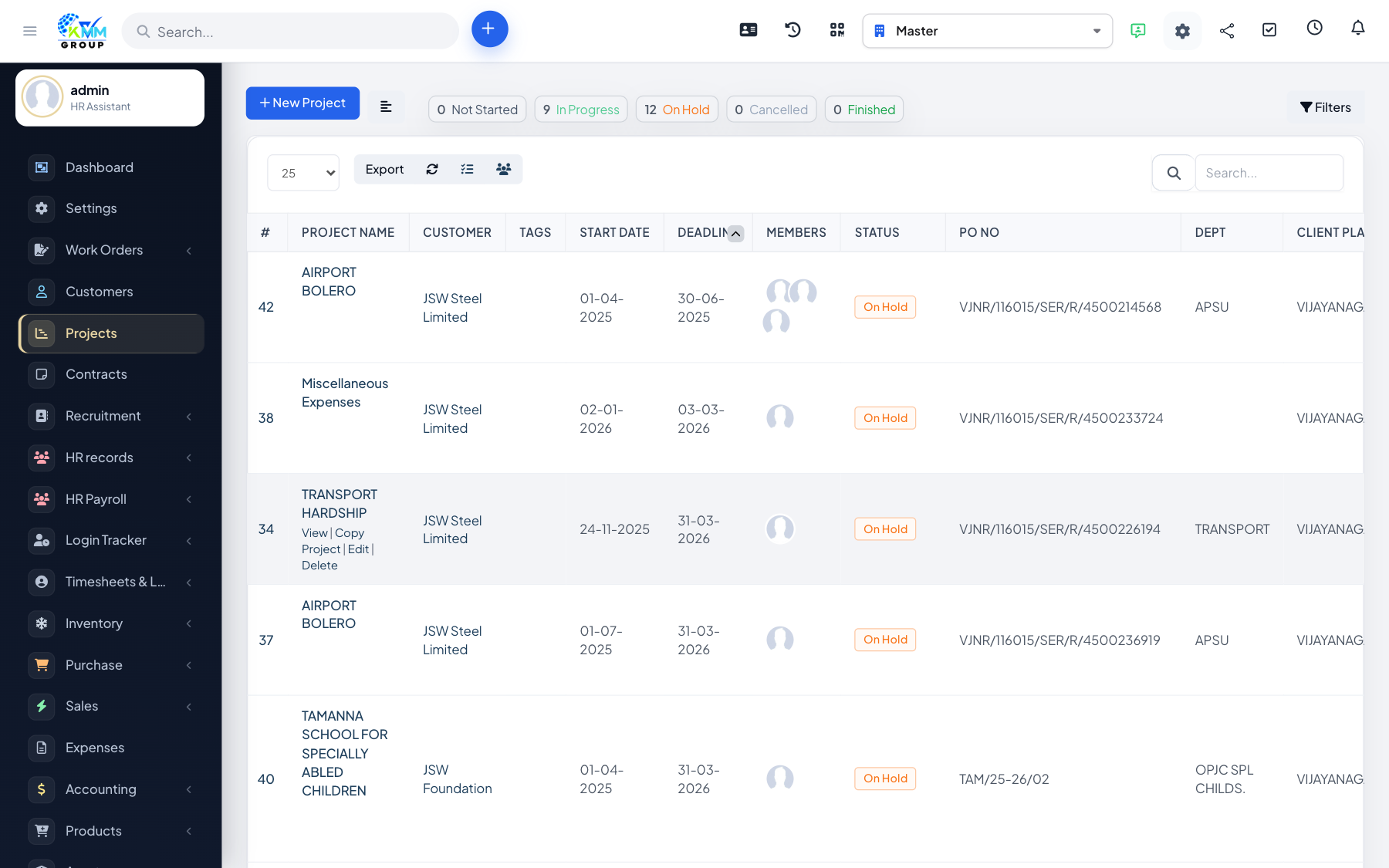
Record the costs you incur on a project and issue credit notes where needed. Billable expenses can be recharged to the customer on the project invoice.
Steps
- On the Sales > Expenses area, add an expense with its amount, category and whether it is billable.
- Attach receipts for record-keeping.
- Include billable expenses when you invoice the project.
- Use credit notes to offset or refund against project invoices.
Tips
- Mark expenses billable at the point of entry so they are not forgotten at invoicing time.