Overview
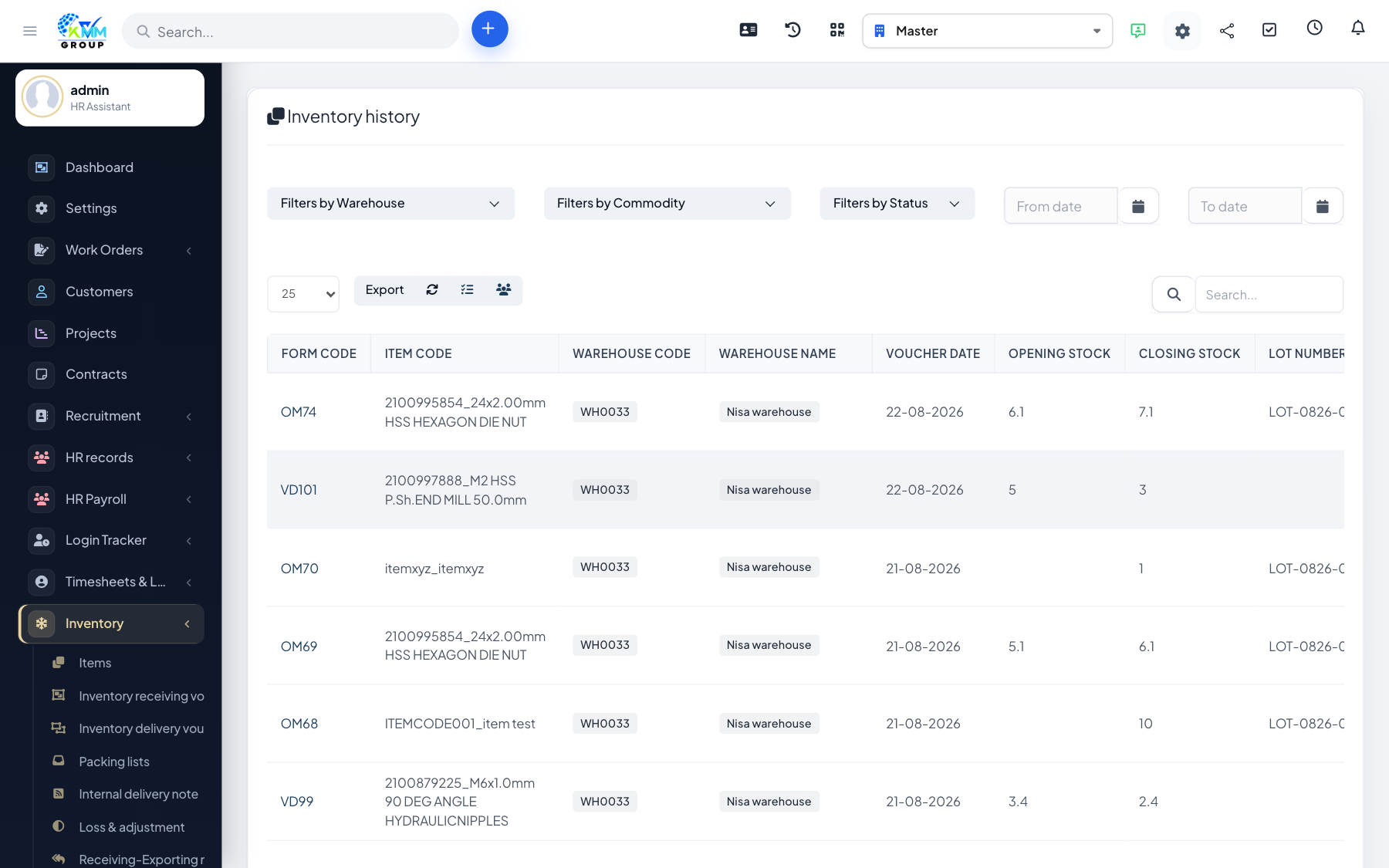
Warehouse history is the complete audit trail of every stock movement — imports, exports, transfers and adjustments — so you can always explain how a stock figure was reached.
Steps
- Go to Inventory > Warehouse History (
/admin/warehouse/warehouse_history). - Filter by warehouse, item or date to narrow the view.
- Trace each movement to see what happened, when and by whom.
- Use it to reconcile physical counts against the system and investigate discrepancies.
Tips
- When a stock figure looks wrong, history is the fastest way to find the cause.