Overview
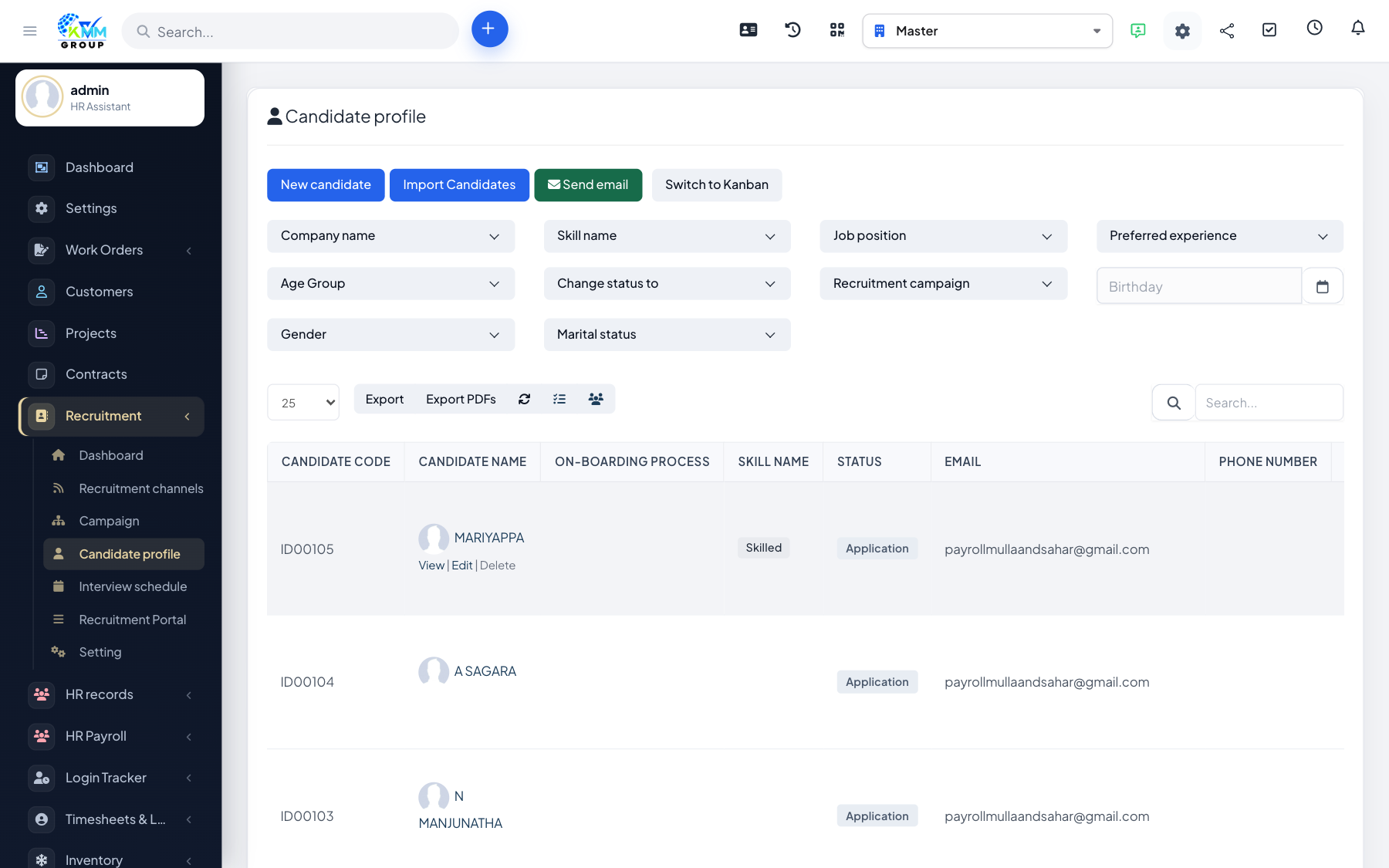
When you hire someone, you should not have to type their details in again. Transfer to HR copies the candidate's record into the HR/employee module so their onboarding starts with everything already filled in.
Steps
- Open the hired candidate's profile and choose Transfer to HR.
- Map the candidate's fields onto the employee record (name, contact, position, documents).
- Confirm the transfer.
- The candidate becomes an HR employee, carrying over their details and documents ready for onboarding.
Tips
- Make sure the candidate's details and CV are complete before transferring, to save re-work in HR.