Overview
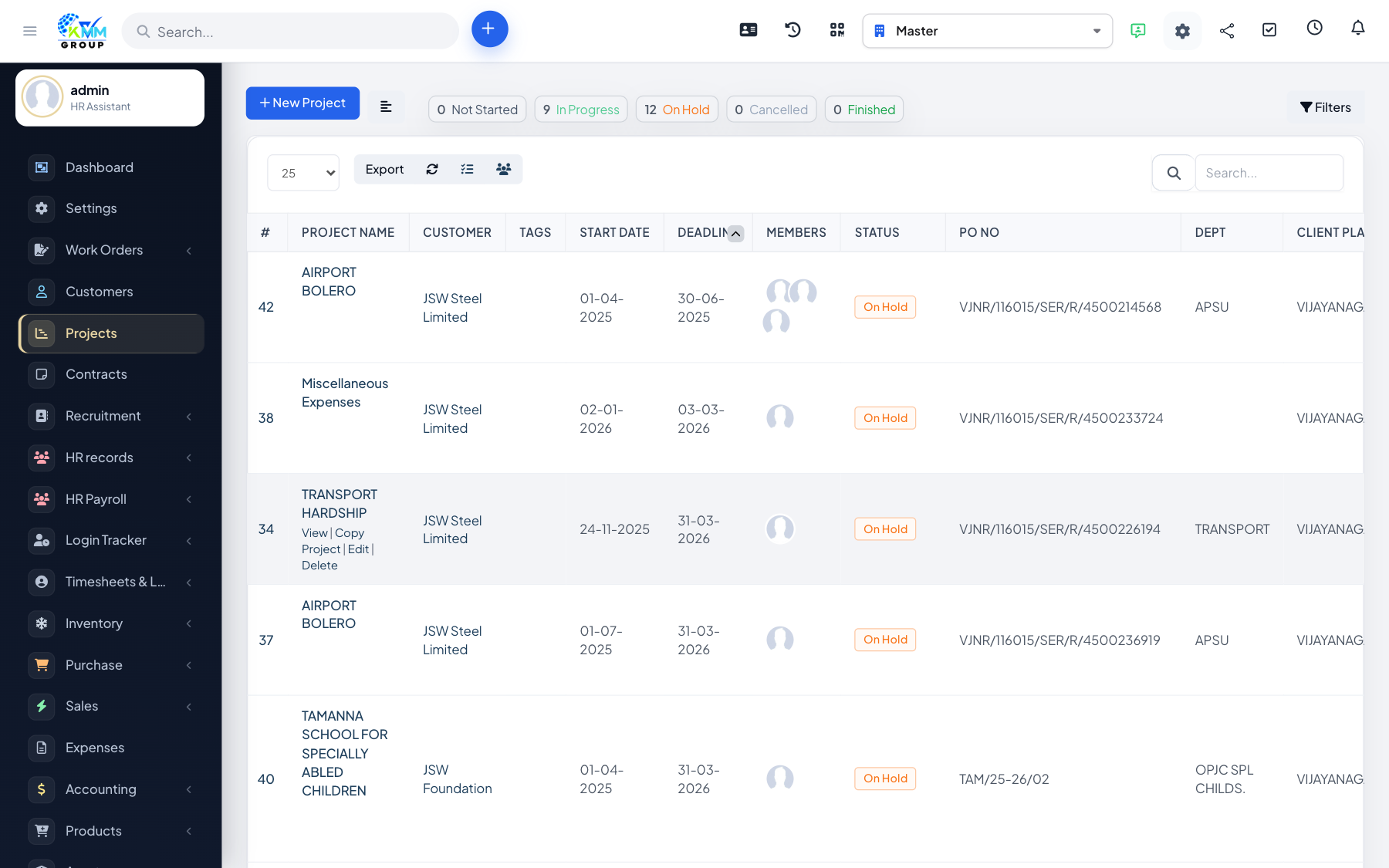
Discussions are threaded conversations for the project team, and optionally the customer. They keep decisions and questions attached to the project instead of scattered across email.
Steps
- Open the Discussions tab and start a discussion.
- Team members add comments to the thread.
- Mention colleagues to notify them of something that needs their input.
- Set whether the discussion is visible to the customer.
Tips
- Use customer-visible discussions to capture approvals and requests in one traceable place.