Overview
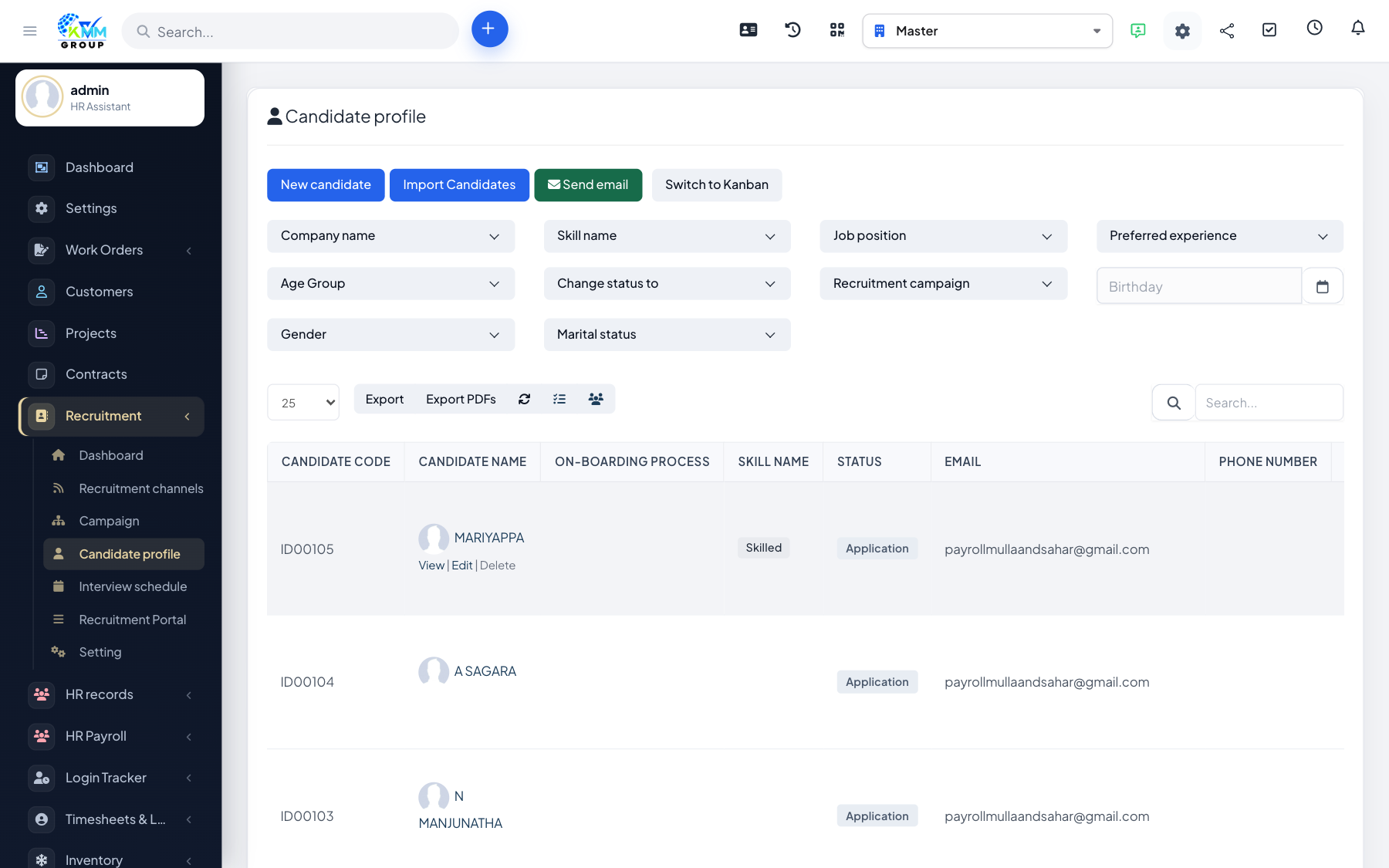
The Kanban board shows your candidates as cards arranged in columns, where each column is a stage of your hiring pipeline. It gives you a visual, drag-and-drop way to move people forward and see where everyone stands at a glance.
Steps
- On the candidate list, switch to Kanban view.
- Read each column as a status/stage (for example New, Shortlisted, Interview, Hired).
- Drag a candidate card from one column to another to change their status.
- A status change can automatically email the candidate, keeping them informed.
- Use load more to page through columns that contain many candidates.
Tips
- Keep the number of stages small and meaningful so the board stays easy to scan.