Overview
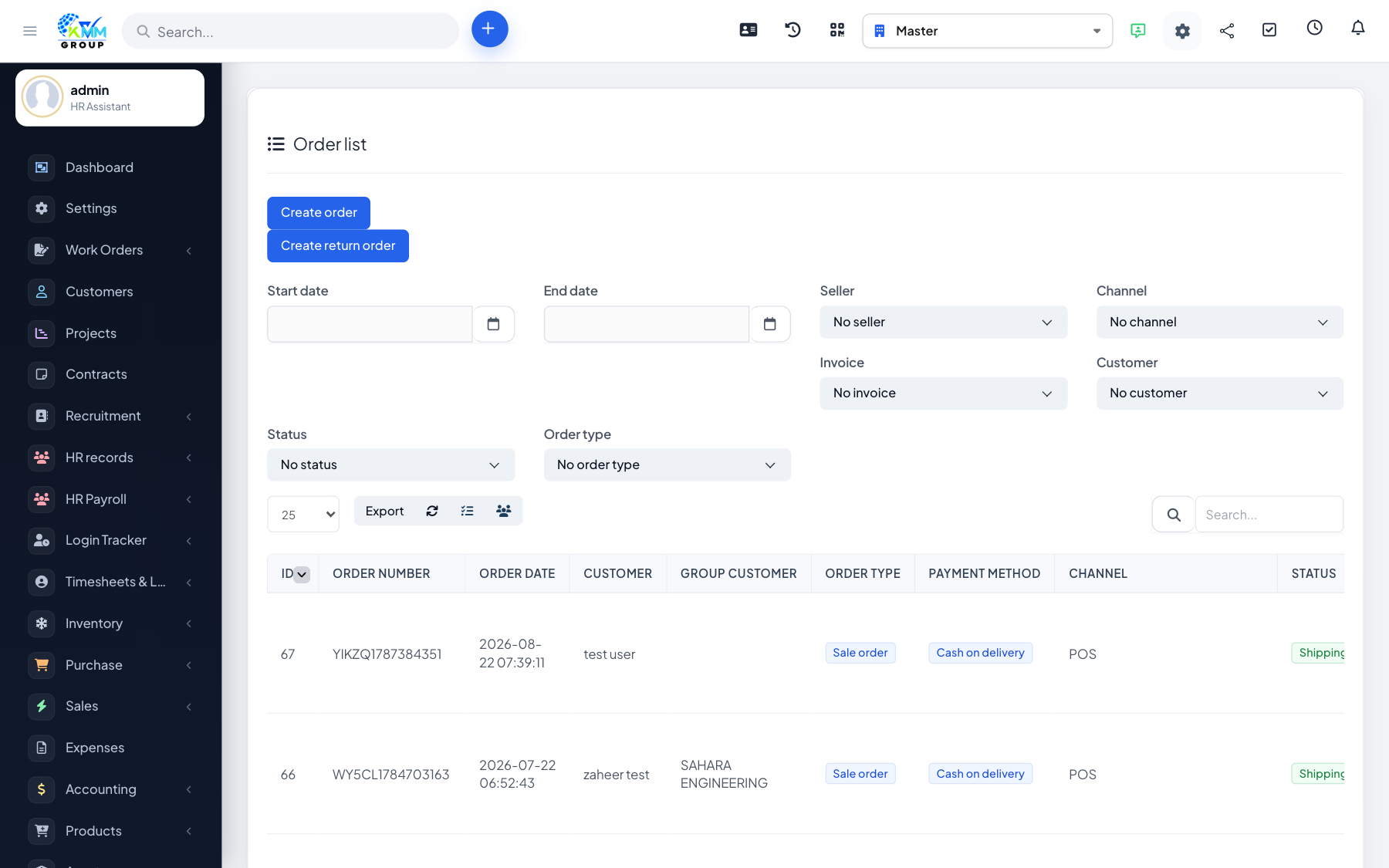
The POS is a fast checkout screen for selling face to face. You add products to a cart, apply any discounts, take payment and issue an invoice — and stock is reduced automatically.
Steps
- Open Omni Sales > POS and start or select a shift.
- Search products by group or warehouse and add them to the cart.
- Apply any discounts or vouchers.
- Select or create the customer, then take payment.
- Create the POS invoice — stock is exported from the chosen warehouse automatically.
Tips
- Create a walk-in customer record once and reuse it for anonymous sales.