Overview
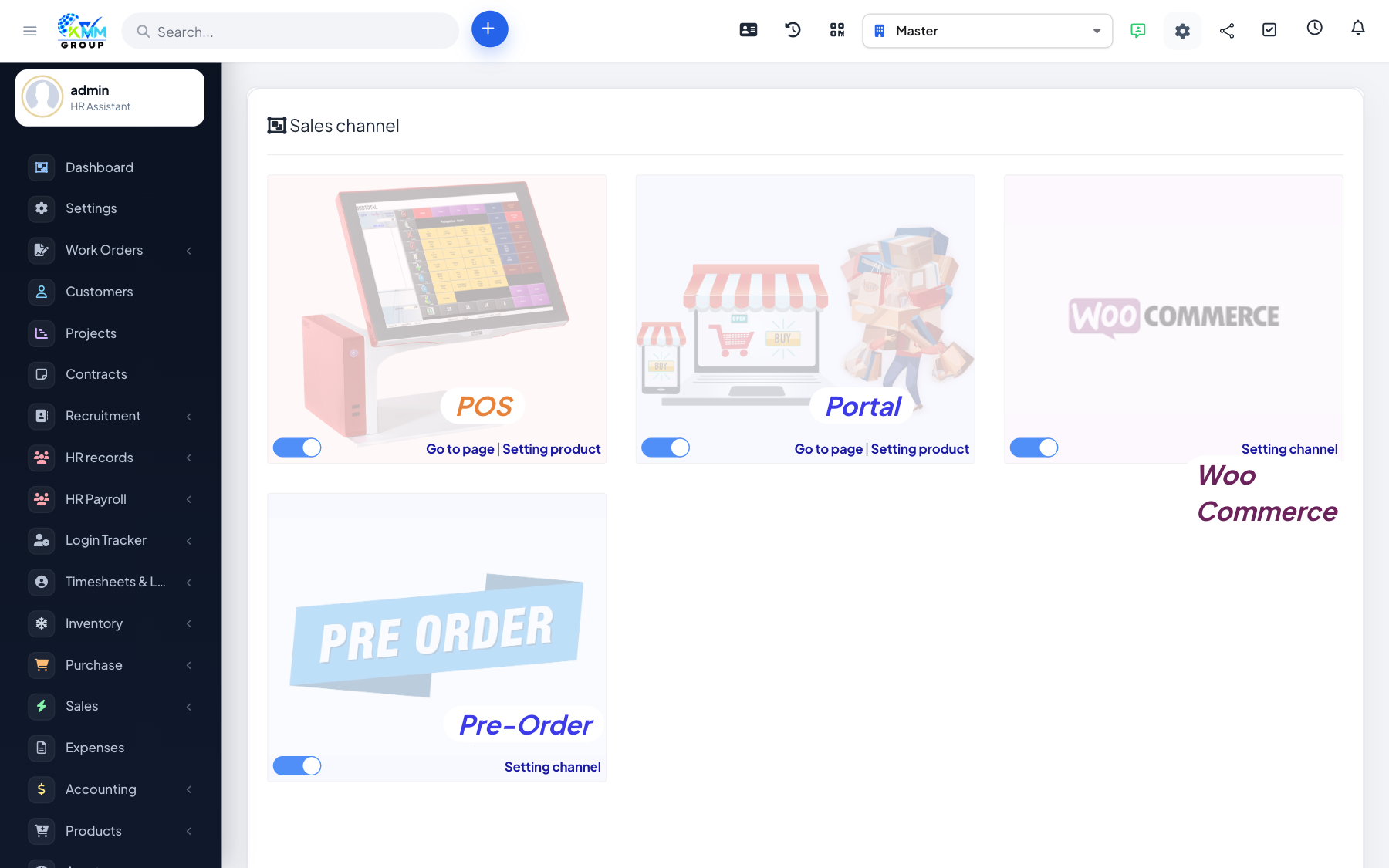
The portal is a public storefront where your customers can browse products and place orders themselves, which then flow into your Order List for processing.
Steps
- Open Omni Sales > Portal to preview the customer storefront.
- Assign the products you want to sell to the portal channel — only these appear.
- Customers browse and order online.
- Their orders flow into the Order List for your team to fulfil.
Tips
- Keep portal stock synced so customers only order what you can actually deliver.