Overview
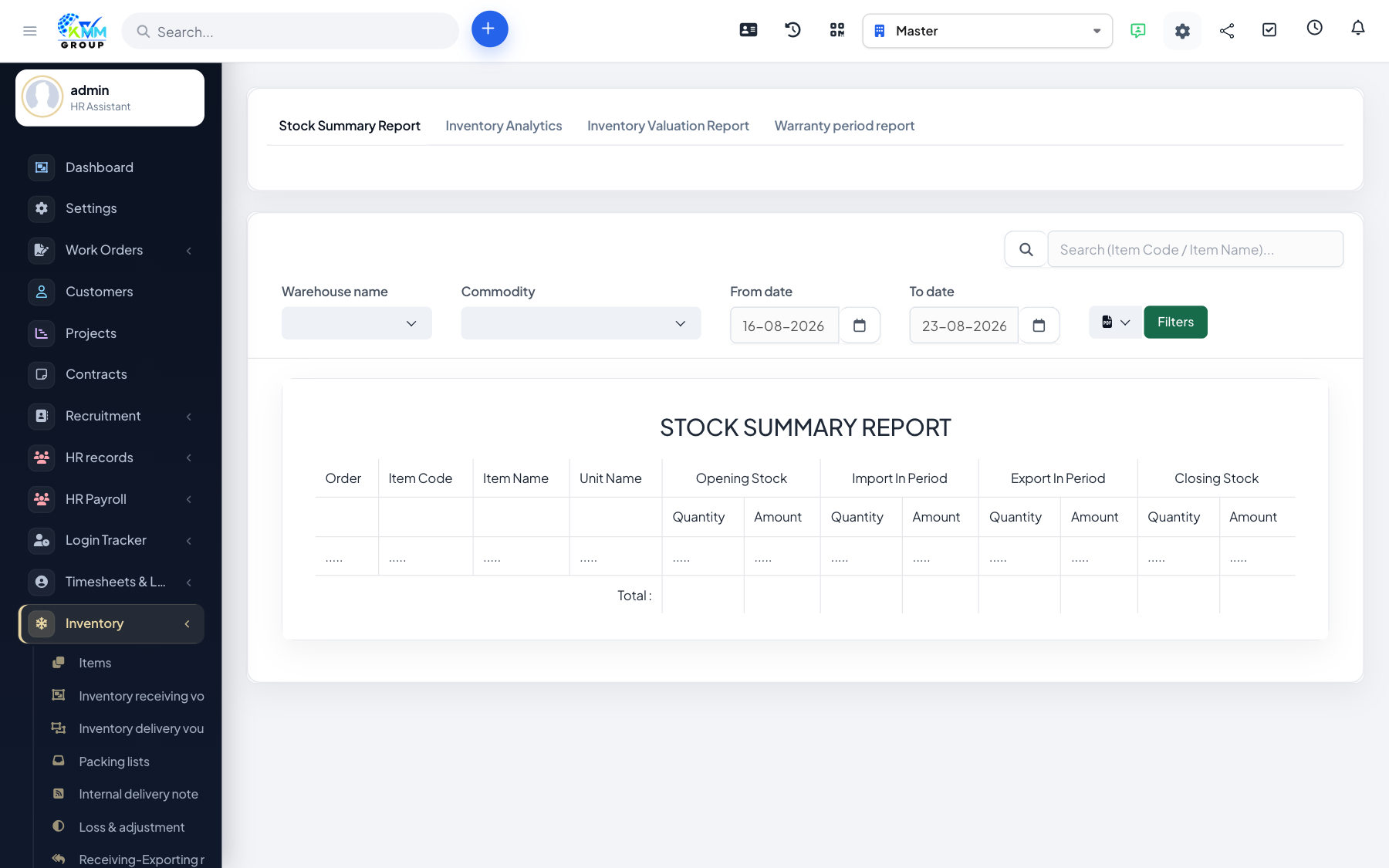
Inventory reports turn your movements into a clear picture of stock levels, value and activity, so you can plan purchasing and spot problems.
Steps
- Go to Inventory > Report (
/admin/warehouse/manage_report). - Review stock on hand by warehouse to see what you hold and where.
- Check movement history and items below their minimum level.
- Use the reports to plan replenishment and audit stock.
Tips
- Reports are only as accurate as your movements — record imports, exports and adjustments promptly.