Overview
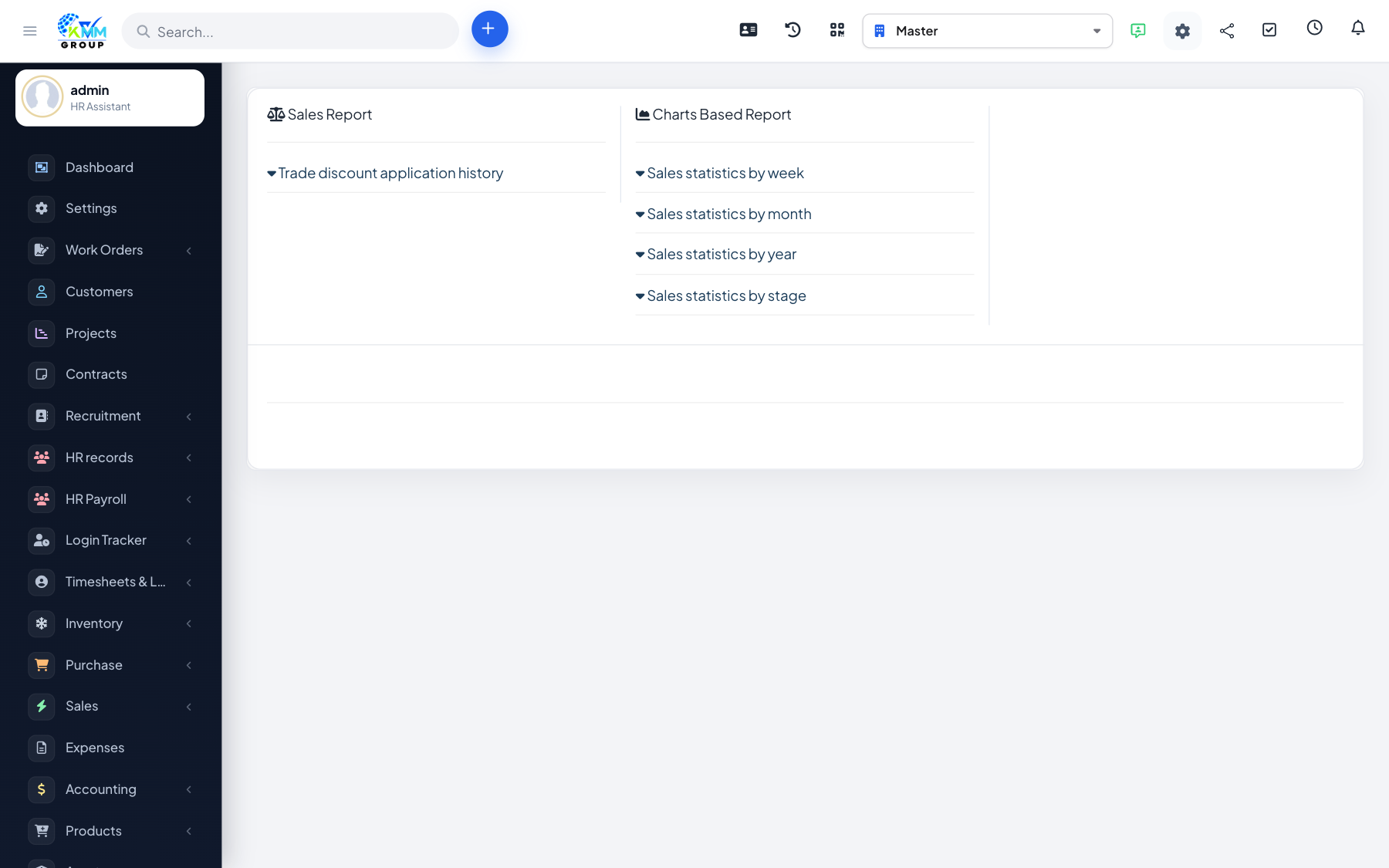
Reports bring together sales from every channel and the POS so you can see what is selling, where, and how much.
Steps
- Go to Omni Sales > Report (
/admin/omni_sales/report). - Review total quantity sold and overall sales statistics.
- Compare performance across channels.
- Use the figures to plan stock and focus on your best-performing channels.
Tips
- Look at channel comparisons to decide where to invest more effort.