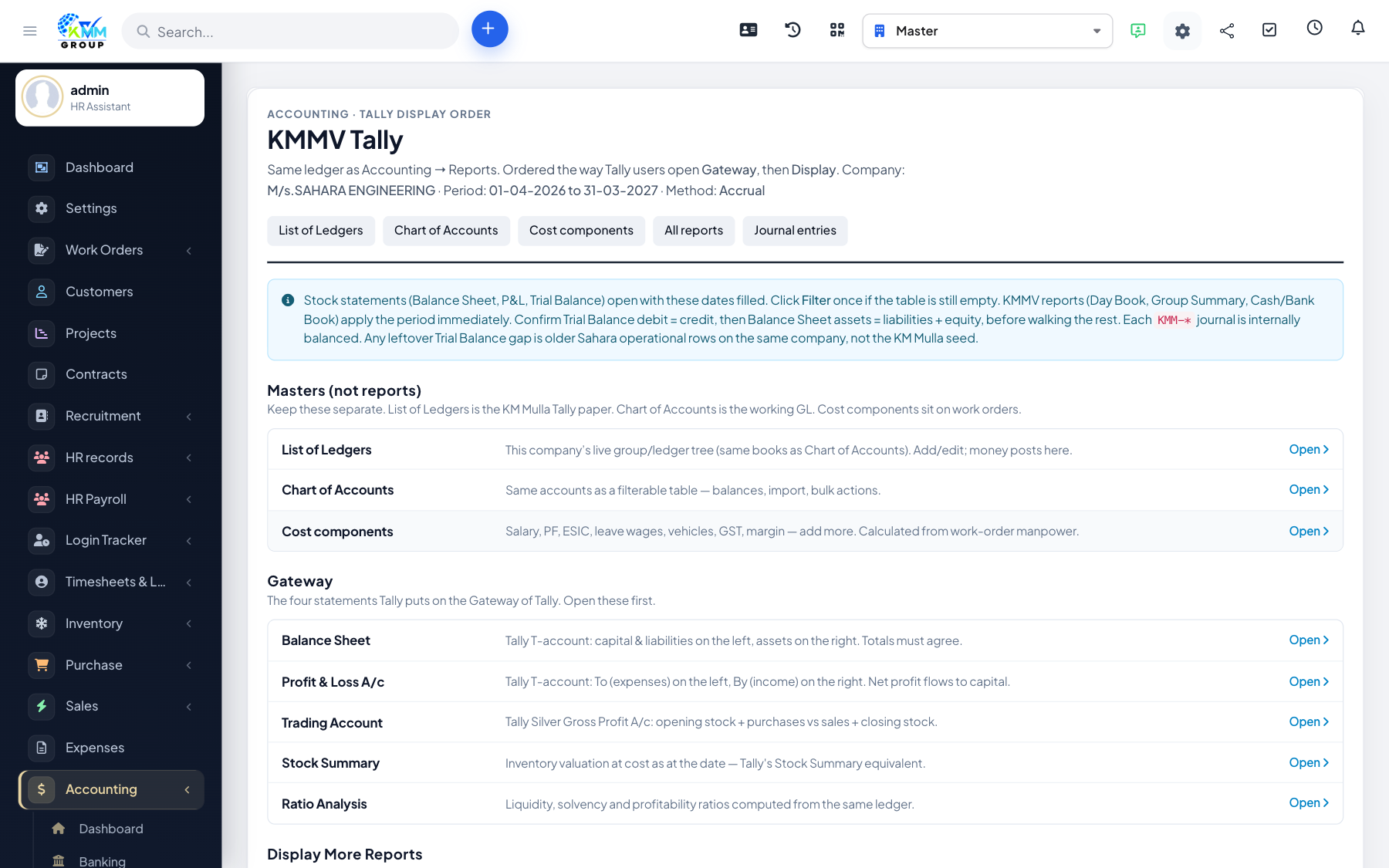
Where to find reports
Open Accounting > Reports (https://dashboard.kmmvgroup.org/admin/accounting/report). Reports are grouped by purpose.
Business Overview
- Balance Sheet (and Comparison, Detail, Summary) — assets, liabilities and equity.
- Profit & Loss (and Comparison, Detail, 12 Months, YTD) — income statement.
- Statement of Cash Flows — operating, investing and financing cash.
- Statement of Changes in Equity.
Bookkeeping
- Trial Balance — debit/credit totals for every account.
- General Ledger — all accounts with movement detail.
- Journal — chronological entries.
- Account History, Recent Transactions, Transaction List by Date.
Receivables & Payables
- AR Ageing Summary / Detail — who owes you.
- AP Ageing Summary / Detail — what you owe.
Tax
- Tax Detail, Tax Summary, Tax Liability reports.
Step-by-step: run a report
- Click the report name.
- Set the date range (and comparison period if applicable).
- Click Run / Refresh.
- Use Export to download as PDF or Excel.