Overview
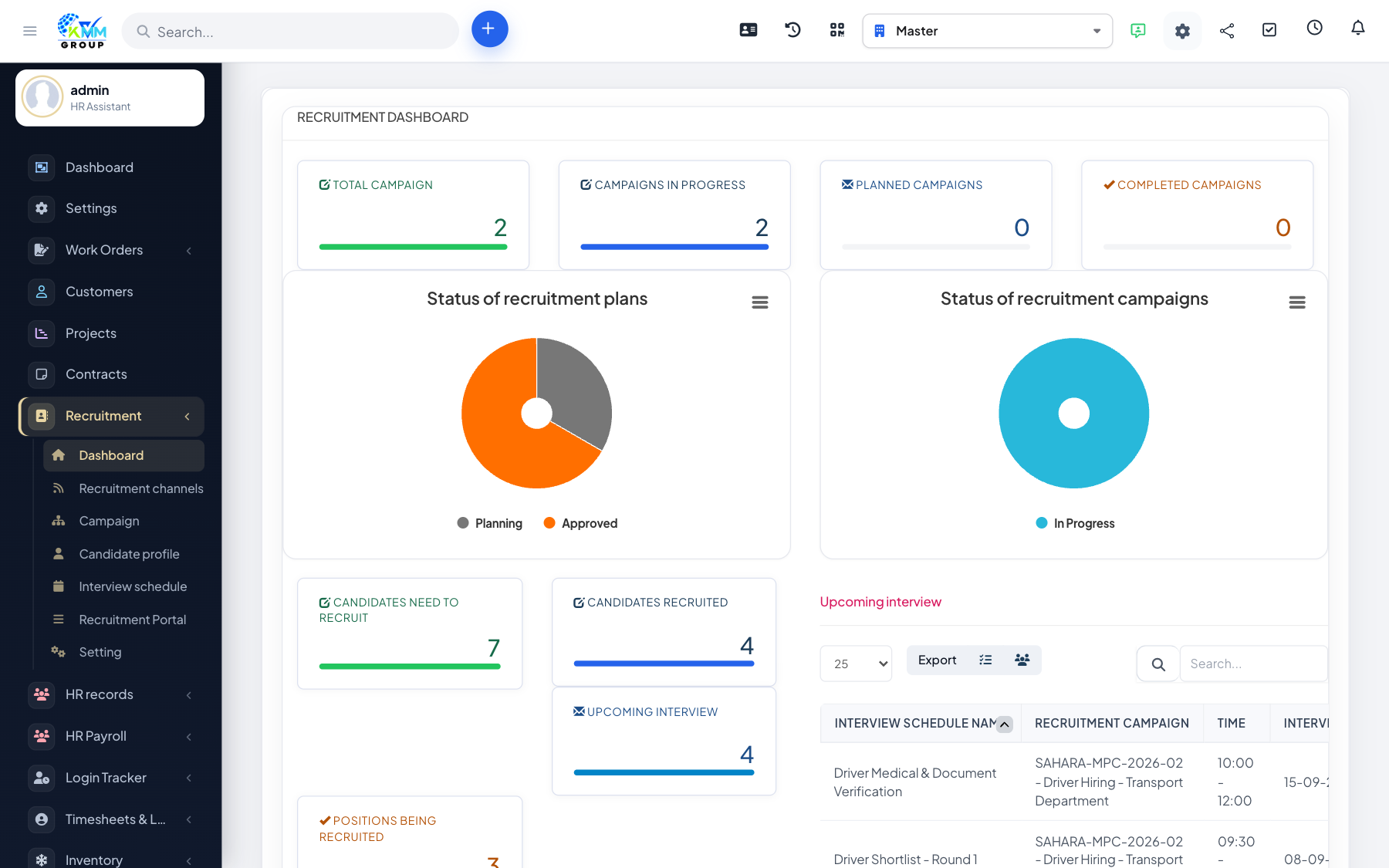
The dashboard is your at-a-glance summary of hiring activity. It uses charts to show where candidates are in the pipeline and how your campaigns and interviews are progressing, so you can spot bottlenecks quickly.
Steps
- Open Recruitment > Dashboard (
/admin/recruitment/dashboard). - Review candidate counts by status to see where people are getting stuck.
- Check campaign and interview activity to gauge how busy hiring is.
- Use the trends to decide where to focus — for example, more sourcing or faster interviews.
Tips
- Keep candidate statuses up to date so the dashboard reflects reality.