Overview
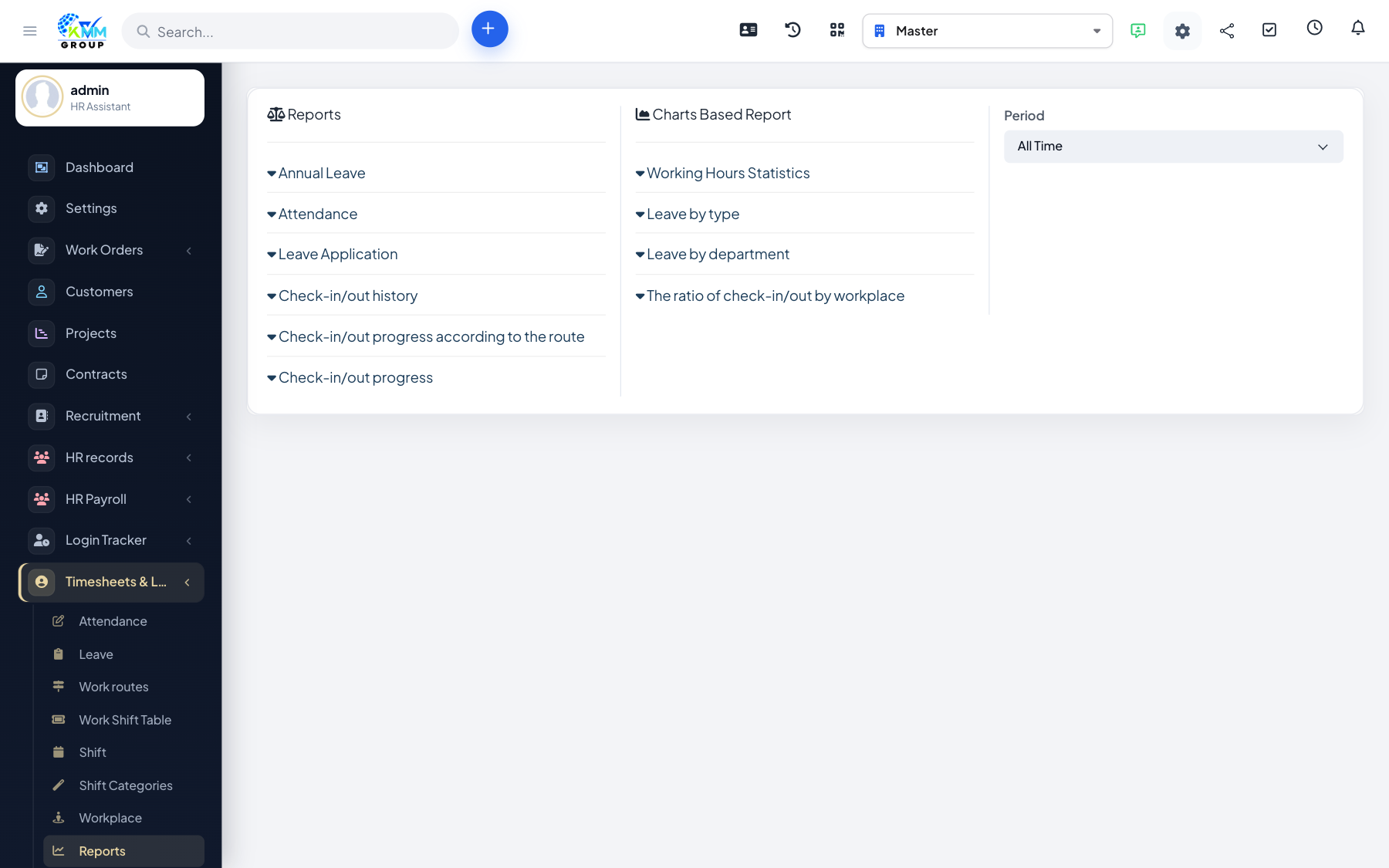
Reports summarise attendance, working hours and leave so you can manage productivity, spot absence patterns and support payroll.
Steps
- Go to Timesheets & Leave > Reports (
/admin/timesheets/reports). - Review working hours and check-in/out history.
- Review leave statistics and leave by department.
- For location modes, review the workplace-ratio and route-progress reports.
Tips
- Use leave-by-department to balance cover across teams when approving time off.